


9 Reasons Why Every Child Should Learn to Code
While your child’s future career may be uncertain right now, it never hurts to start early and prepare them for a variety of careers by introducing them to STEM topics, like coding.
As a parent, the idea of teaching your child coding may seem complicated and even intimidating at first. Still, as the world grows more digitally connected, it’s clear that coding for kids is becoming essential for their future. Let’s face it. The world has changed significantly in the last decade and shows no signs of slowing.
9 Reasons Why You Should Explore Coding for Kids
Coding used to be traditionally reserved for computer wizs and the technologically savvy, but recently it’s become more accessible for even our youngest family members.
Kids today are ‘digital natives’ and have grown up playing video games, interacting with tablets and phones, and a variety of other digital devices. And since kids pick up quickly on new concepts, coding is a natural progression to take them from digital consumers to digital creators.
1. Coding: The Language of the 21st Century
Coding isn’t just for traditional computer programmers. As the world shifts to a more technologically driven society, coding is becoming an increasingly beneficial literacy.
Coding is essentially using specialized languages to communicate information to a computer to perform a specific task. Learning these coding languages will open up a variety of career opportunities in many industries.
2. Coding for Kids Stimulates Creativity
Coding allows children to think creatively as they learn to design websites, video games, or other interactive programs in a digital environment with code. Kids are encouraged to think big and stay curious as they see their ideas transform into reality.
3. Coding Helps Kids Understand the World Around Them
By learning how to code, kids begin to understand how the programs they’ve been using work and how real-world problems can be solved using technology.
This is a true superpower! They understand how everything works around them, giving them the inspiration to build something big.
4. Coding Builds Problem-Solving Skills
Coding takes perseverance. In order to get the desired outcome, coders will often have to work out several ‘bugs’ in their code. Through the process of debugging, kids can learn the power of persistence as they work through issues.
Developing these skills helps children solve problems in life, whether at school or later in professional settings.
5. Coding for Kids Can Help Sharpen Math Skills
Coding encourages kids to visualize abstract concepts strengthening their arithmetic and algebraic skills. They get the opportunity to apply math to real-world situations in a practical and fun manner.
6. Coding Helps Improve Concentration and Focus
Coding for kids is challenging and requires focus. Working towards a goal for hours and debugging code ultimately helps to increase their abilities in concentration.
7. Coding for Kids Helps Build Resilience and Confidence
While it’s true that bugs and errors are part of the coding process, these aren’t necessarily bad things. Often, bugs can represent learning opportunities for children to try again and learn more about coding concepts.
As they navigate through coding classes, children gain soft skills such as perseverance and resilience. And as they learn to overcome setbacks, they will gain confidence as they are able to complete various assignments.
8. Coding Prepares Children for the Jobs of Tomorrow
With technology-focused occupations growing consistently year after year, the demand for applicants with coding knowledge will only increase in the next 5, 10, or 20 years. Getting your child involved in coding classes at an early age can help them develop the abilities that businesses are looking for and provide the groundwork for their future success.
9. Coding Is Fun!
While it’s true that coding classes are an excellent way for children to develop both soft skills and practical knowledge that they can apply to other aspects of their lives, it can also be a fun activity that they look forward to.
Coding Schools, like iCode, offer a variety of fun-packed, interactive classes that are engaging from start to finish. Their hands-on, project-based learning approach ensures that students stay on track and build a deeper understanding and love for coding and STEM activities.
Getting Started with Coding for Kids
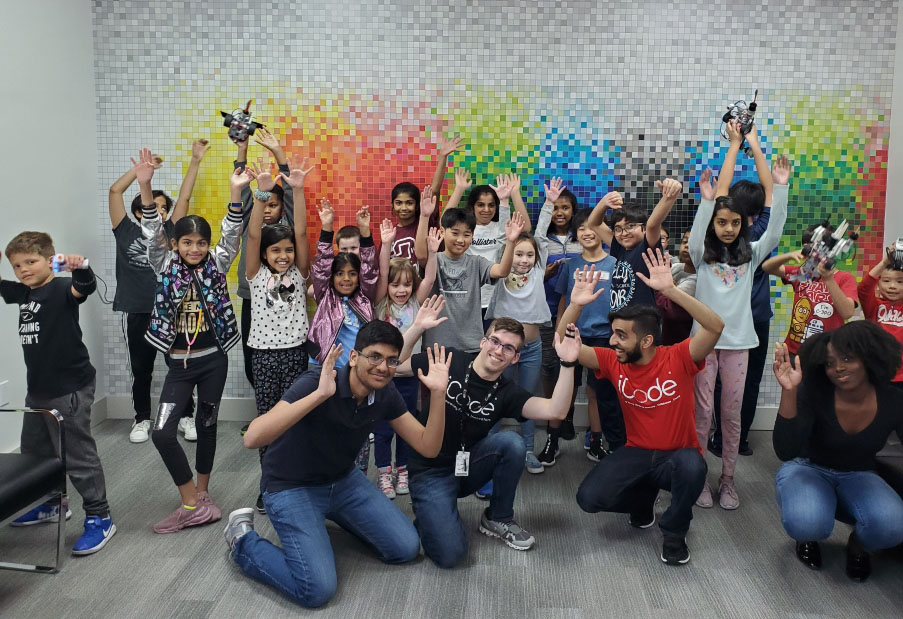
iCode School offers coding for kids and is a leader in onsite STEM education classes. Find a location near you and book your FREE trial class to get started!
What are you waiting for? Enroll your kid in iCode School today!
Recommended Blogs
Why Minecraft Is More Than Just a Game for Kids
Minecraft is often seen as just another video game, but for many children, it’s much more than that. Beneath its blocky graphics lies a powerful platform that encourages creativity, problem-solving, and even early coding skills. For parents trying to balance screen time with meaningful learning, Minecraft offers a unique opportunity to turn play into productivity. A Digital Sandbox for Creativity Unlike traditional games with fixed goals, Minecraft gives children complete freedom to build and explore. Whether it's constructing cities, designing machines, or recreating real-world landmarks, kids are constantly using their imagination. This type of open-ended play helps develop: Creative thinking Spatial awareness Planning and design skills Problem-Solving in Action Minecraft challenges kids to think critically. From gathering resources to surviving in different environments, players must make decisions, test ideas, and adapt quickly. These experiences help children develop: Logical reasoning Decision-making skills Persistence through trial and error Collaboration and Teamwork In multiplayer mode, kids can work together on projects, solve challenges, and build shared worlds. This encourages: Communication skills Teamwork Leadership Introduction to Coding Concepts Minecraft also introduces basic coding logic through features like Redstone (in-game circuits) and modding. Kids begin to understand: Cause and effect Sequences and logic Basic automation…
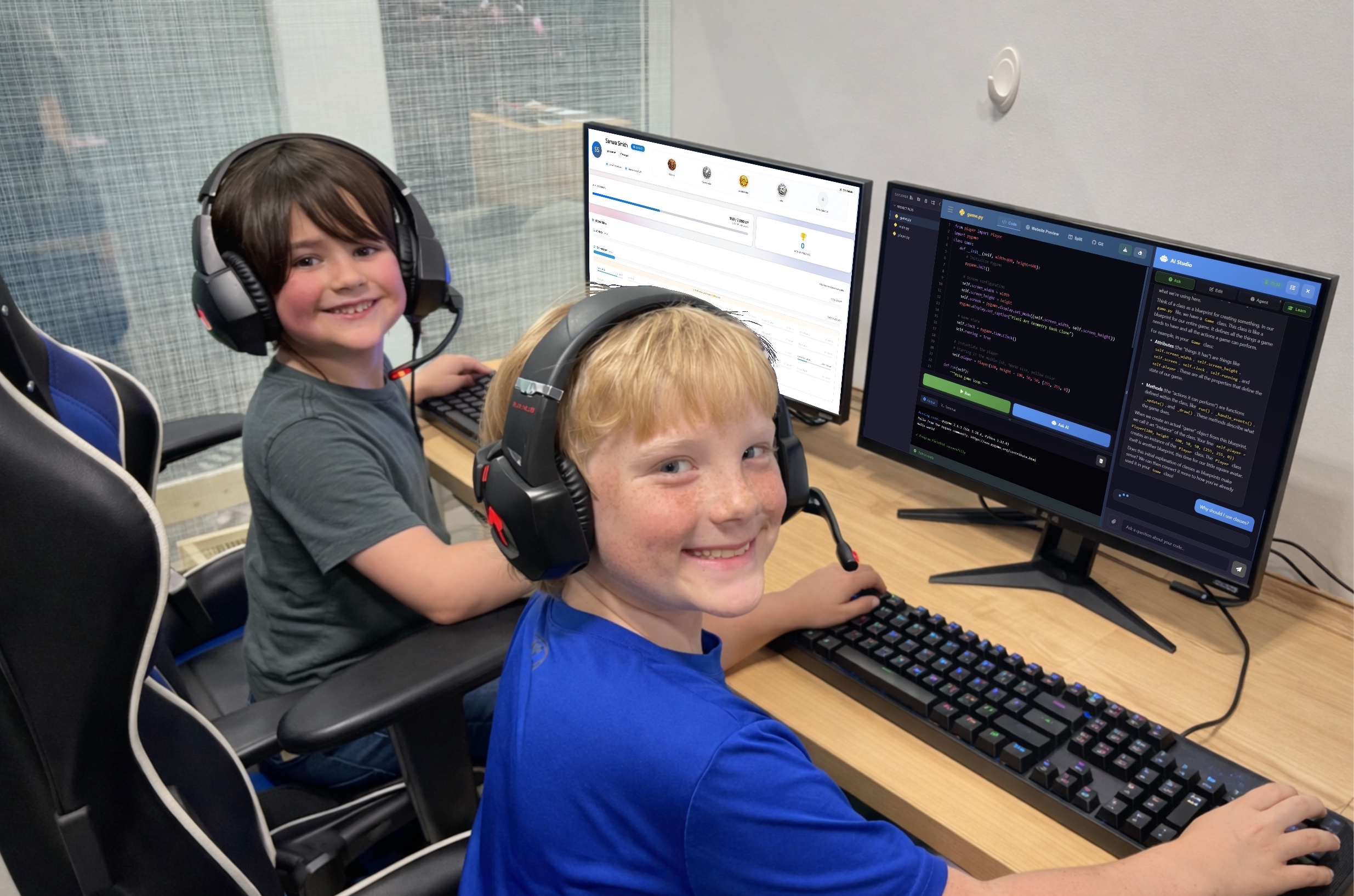
How To Improve the Use of AI in Education
Artificial intelligence is already in your child's classroom, whether you realize it or not. Adaptive math apps, grammar-checking tools, automated grading systems, and AI-powered tutoring bots have quietly become fixtures of the modern educational landscape. But here's something most parents don't hear: schools are barely scratching the surface of what AI can actually do for learning. The gap between how AI is being used and how it could be used is where the real opportunity lies for your child. How AI Is Being Used in Education Right now, most schools use AI in fairly basic ways. The most common applications include: Adaptive learning platforms like Khan Academy and DreamBox adjust difficulty based on student performance. Automated grading for multiple-choice tests and some written assignments. Plagiarism detection tools like Turnitin. AI tutoring chatbots that answer student questions on demand. These are helpful tools and represent genuine progress, but most of these applications treat AI as a faster version of what already existed. Adaptive software is a smarter worksheet. Automated grading is a faster teacher's aide. Chatbot tutors are searchable textbooks with better conversation skills. The way most schools deploy AI is reactive. It responds to what a student does, but it…

Kids and Technology: Why Monitoring Matters More Than Ever
Helping parents guide screen time with safety, boundaries, and balance Technology isn’t “coming.It’s already here - in your living room, in your child’s backpack, and sometimes even under their pillow at night. Kids use tablets for homework, watch YouTube for entertainment, and play games that let them build, explore, and connect with others. When used intentionally, technology can build creativity, confidence, and real-world skills, especially in structured programs like our coding classes for kids — technology can build creativity and confidence. But here’s the reality: Children are stepping into digital spaces that were not designed with childhood in mind. As Spider-Man wisely said, “With great power comes great responsibility.” That applies to superpowers — and it absolutely applies to devices, apps, and online platforms. Monitoring isn’t about fear.It’s about guidance. Monitoring Isn’t Spying, It’s Parenting in a Digital World When parents hear the word monitoring, it can sound extreme.Reading every message. Hovering constantly. Controlling every click. That’s not what healthy digital parenting looks like. Monitoring simply means staying involved. It looks like: Knowing what games and apps your child uses Understanding what features are turned on (especially chat and friend requests) Checking in consistently, not just once every few months…