


A Guide to Science Summer Camps 2022
Introduction
The word ‘science’ simply put means the study so something. And, as you might guess, there is a vast array of subjects that are categorized as ‘science’ including chemistry, physics, biology, and even psychology. So, when looking for a Science Summer Camps 2022, be sure to check with your child to see exactly what type of science summer camp they have in mind. Would they enjoy studying nature? What about something involving computers and tech?
Asking these questions will help ensure you find the right science summer camp in 2022.
Types of Science Summer Camps
If you’re not already familiar with the variety of science summer camps available, this outline will give you some great ideas to guide conversations with your child.
1. Wildlife Summer Camps
These camps are great for kiddos who love animals or enjoy going for hikes and checking out the nature around them. Campers explore the outdoors as the study plants, habitats, and/or animals and their behaviors. Many of these camps also incorporate conservation concepts and practices to teach kids about preserving the world around us.
2. Coding Summer Camps
Coding summer camps are a great opportunity to introduce your child to the world of coding. Coding is the language of the future. Individuals who possess this skill will have significantly more opportunities in the future as our world becomes more and more digital.
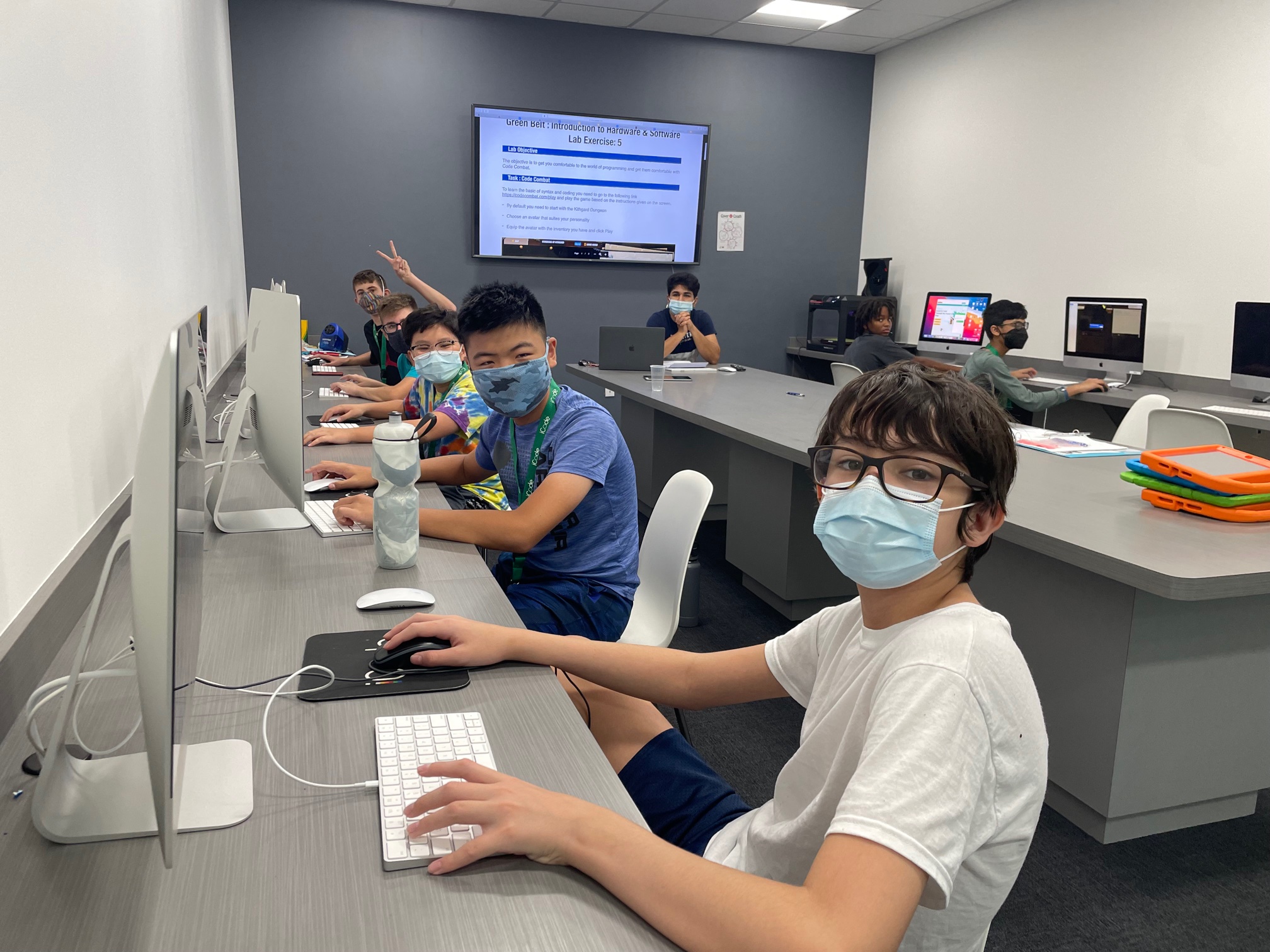
Coding summer camps range in skill prerequisites. Coding camps for beginners will likely utilize programs like Scratch or even use popular games like Minecraft or Roblox to teach the fundamentals of coding. More advanced camps would likely use a programming language like python to program various devices like drones or bots.
3. STEAM Summer Camps
Put the ‘A’ in STEM with a digital arts summer camp or a stop-motion animation camp! Art is an important element in expressing ideas. And STEM is no different. If you’re able to better display or represent your ideas through visual mediums, you’re able to communicate your ideas more effectively with your team or audience. Plus, studying art can help campers further develop their creative thinking skills, allowing them to think outside-of-the-box to come up with different solutions to an issue. So, don’t forget the arts when evaluating science summer camps!
4. Robotics Summer Camps
Robotics is a fun way to experience a variety of STEAM concepts. Students get to use their engineering and mechanical knowledge to design their own robots. Then as they compete against other students and size up the competition, they’ll use their strategic and creative thinking skills to improve their bot for the next round of competition! This science summer camp always brings big smiles and loud cheers!
5. Engineering Summer Camps
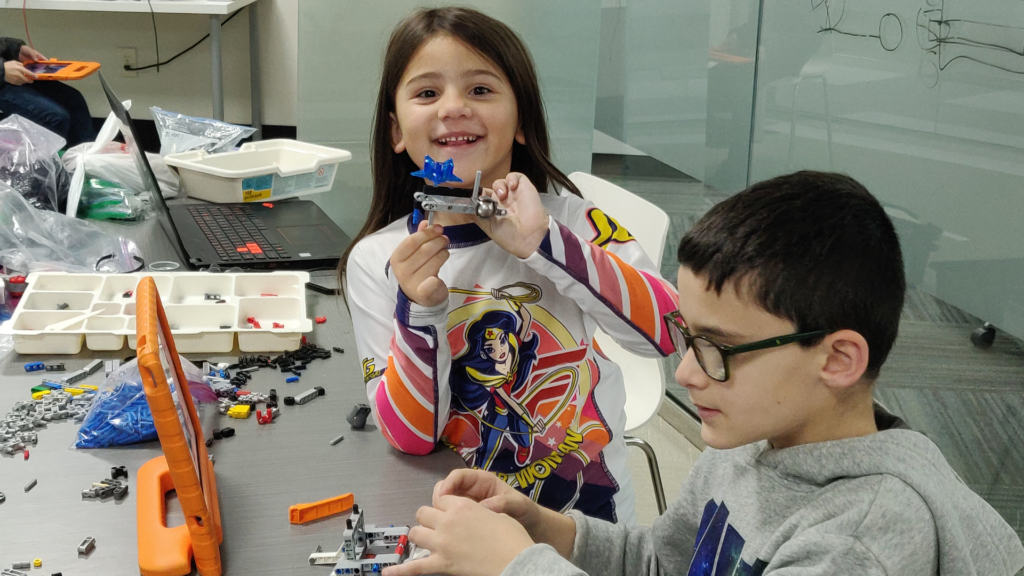
Engineering is a key component of STEM and its concepts are utilized in a variety of science summer camps including robotics, space exploration, and many more. Some camps, however, are focused specifically on engineering and its applications. In these camps, students explore and analyze structures (like buildings, bridges, or dams) to better understand concepts before applying these ideas to their own creations.
6. Space Summer Camps
If NASA space camp isn’t an option, students can enjoy learning about space through a variety of other great space camps, including the one by iCode School, where campers engage in hands-on activities like simulating the galaxy formation with slime, building their own Mars rover, or 3D designing a new type of spacecraft! These creative engineering challenges will put their problem-solving skills to the test!
Creating the Best Science Summer Camp Experience
There’s are numerous choices when it comes to summer camps But finding a science summer camp that excites your child will ensure they have a summer to remember while keeping their brain active during the summer break!
Summer Camps Near You
iCode School is a STEAM school for kids in grades K-8 offering fun science summer camps in 2022. Camp topics range from Battle of the Bots, Roblox, Digital Arts, YouTube Production, Drone Navigation, VR, Minecraft Mods and MUCH more! Visit our site to find a location near you and check out the variety of summer camps!
Recommended Blogs
Why Minecraft Is More Than Just a Game for Kids
Minecraft is often seen as just another video game, but for many children, it’s much more than that. Beneath its blocky graphics lies a powerful platform that encourages creativity, problem-solving, and even early coding skills. For parents trying to balance screen time with meaningful learning, Minecraft offers a unique opportunity to turn play into productivity. A Digital Sandbox for Creativity Unlike traditional games with fixed goals, Minecraft gives children complete freedom to build and explore. Whether it's constructing cities, designing machines, or recreating real-world landmarks, kids are constantly using their imagination. This type of open-ended play helps develop: Creative thinking Spatial awareness Planning and design skills Problem-Solving in Action Minecraft challenges kids to think critically. From gathering resources to surviving in different environments, players must make decisions, test ideas, and adapt quickly. These experiences help children develop: Logical reasoning Decision-making skills Persistence through trial and error Collaboration and Teamwork In multiplayer mode, kids can work together on projects, solve challenges, and build shared worlds. This encourages: Communication skills Teamwork Leadership Introduction to Coding Concepts Minecraft also introduces basic coding logic through features like Redstone (in-game circuits) and modding. Kids begin to understand: Cause and effect Sequences and logic Basic automation…
How To Improve the Use of AI in Education
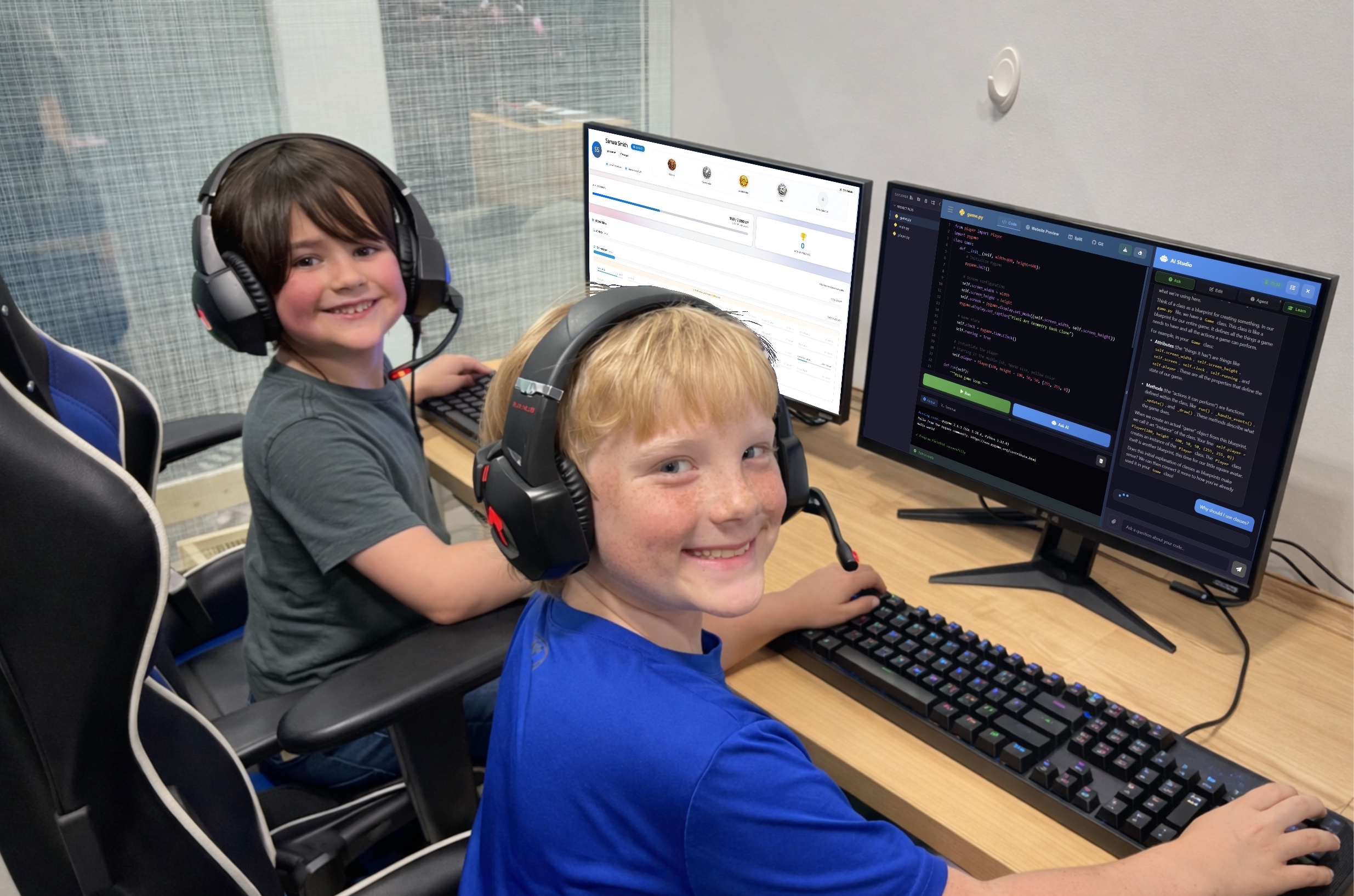
Artificial intelligence is already in your child's classroom, whether you realize it or not. Adaptive math apps, grammar-checking tools, automated grading systems, and AI-powered tutoring bots have quietly become fixtures of the modern educational landscape. But here's something most parents don't hear: schools are barely scratching the surface of what AI can actually do for learning. The gap between how AI is being used and how it could be used is where the real opportunity lies for your child. How AI Is Being Used in Education Right now, most schools use AI in fairly basic ways. The most common applications include: Adaptive learning platforms like Khan Academy and DreamBox adjust difficulty based on student performance. Automated grading for multiple-choice tests and some written assignments. Plagiarism detection tools like Turnitin. AI tutoring chatbots that answer student questions on demand. These are helpful tools and represent genuine progress, but most of these applications treat AI as a faster version of what already existed. Adaptive software is a smarter worksheet. Automated grading is a faster teacher's aide. Chatbot tutors are searchable textbooks with better conversation skills. The way most schools deploy AI is reactive. It responds to what a student does, but it…

Kids and Technology: Why Monitoring Matters More Than Ever
Helping parents guide screen time with safety, boundaries, and balance Technology isn’t “coming.It’s already here - in your living room, in your child’s backpack, and sometimes even under their pillow at night. Kids use tablets for homework, watch YouTube for entertainment, and play games that let them build, explore, and connect with others. When used intentionally, technology can build creativity, confidence, and real-world skills, especially in structured programs like our coding classes for kids — technology can build creativity and confidence. But here’s the reality: Children are stepping into digital spaces that were not designed with childhood in mind. As Spider-Man wisely said, “With great power comes great responsibility.” That applies to superpowers — and it absolutely applies to devices, apps, and online platforms. Monitoring isn’t about fear.It’s about guidance. Monitoring Isn’t Spying, It’s Parenting in a Digital World When parents hear the word monitoring, it can sound extreme.Reading every message. Hovering constantly. Controlling every click. That’s not what healthy digital parenting looks like. Monitoring simply means staying involved. It looks like: Knowing what games and apps your child uses Understanding what features are turned on (especially chat and friend requests) Checking in consistently, not just once every few months…