
Why Families Choose iCode
Why iCode · iCode of Brookline
Not every coding class is the same
Ask any coding program four questions. Who teaches? What will my child work on? Where will they sit? What will they bring home? Here are our answers, side by side.
- Boston Parents Paper Family Favorite, 2020–2026
- Macaroni KID Family Favorite 2025
- STEM.org Accredited
Three times the hours. Less per hour.
More hours. A lower price per hour.
A monthly price only tells you half the story. What matters is how much time your child actually spends learning for that money.
iCode Belt Program
$35.42
per hour of learning
A typical drop-in center
$48.75
per hour of attendance
Hours each month
$35.42 per hour
$48.75 per hour
Three times the hours, and about 27% less per hour. Your child’s 12 hours each month are:
- 8 hours of instructor-led class
- 2-hour study lab
- 2-hour Parents’ Night Out
iCode Belt Program tuition for 2026–27 is $425 a month for ten months. A $125 lab fee is charged once a year; with it included, the cost is about $36.46 an hour. The comparison uses an example of drop-in coding center pricing in our area, about $195 a month for one hour a week. Prices vary and change, so ask any program for its current price and hours.
Two ways to join. Both come with more than a class.
Every iCode family gets written proof of progress, not only an hour of screen time. Belts get reports, a transcript and much more. Even a Path costs less per hour than a typical drop-in center.
Our flagship
Belt Program
$425a month
12 hours a month · $35.42 an hour
Included
- 8 hours of instructor-led class a month
- A 2-hour study lab every month
- A 2-hour Parents’ Night Out every month
- A written progress report every month
- A transcript and a portfolio of everything your child built
- Parent showcases and a belt ceremony
- Make-up sessions in another class with space
Ten months a year, ages 5 to 18. A $125 lab fee is charged once a year.
One topic, ten weeks
Paths
$445a semester
10 hours · $44.50 an hour
Included
- 10 instructor-led classes, one hour a week
- Nine topics, from Minecraft to Python
- A finished project at the end
- A written end-of-semester report
- A certificate of completion
A second Path at the same time is $375. Brothers and sisters get 5% off. Nothing renews on its own.
Questions to ask any program
Before you choose, ask every program the same twelve questions. Here are our answers. Better still, come in and check them for yourself.
| Ask any program | iCode’s answer |
|---|---|
| What does an hour of learning cost? | About $35 an hour in the Belt Program, and $44.50 an hour in a Path |
| Will I get written proof of progress? | Yes. Written reports for Belts and Paths, plus a transcript and portfolio for Belts |
| Who teaches my child? | College graduates with computer science backgrounds |
| Is every class taught by an instructor? | Yes. The instructor teaches a set topic, then the class builds with it |
| What will my child work on? | Powerful tower gaming desktops with large monitors |
| Is the software what professionals use? | Yes. Professional code editors and game engines |
| Which languages can they learn? | Scratch, Python, C#, C++, Java and more, each as a real class |
| How much robotics is there? | 8+ robotics platforms, from a first robot to competition |
| Can they make real things? | Yes. Fast 3D printers and hands-on electronics |
| Is there a real classroom? | Yes. One class per room, with a door |
| Will they work with other kids? | Yes. Small groups that build and present together |
| What comes home? | A portfolio of finished projects your child can explain |
The people
Great equipment matters less than the person teaching with it.
Instructors
College graduates at the front of the room
Our instructors are college graduates with computer science backgrounds. When your child asks the question that is not in the lesson plan, they get a real answer from someone who studied it.
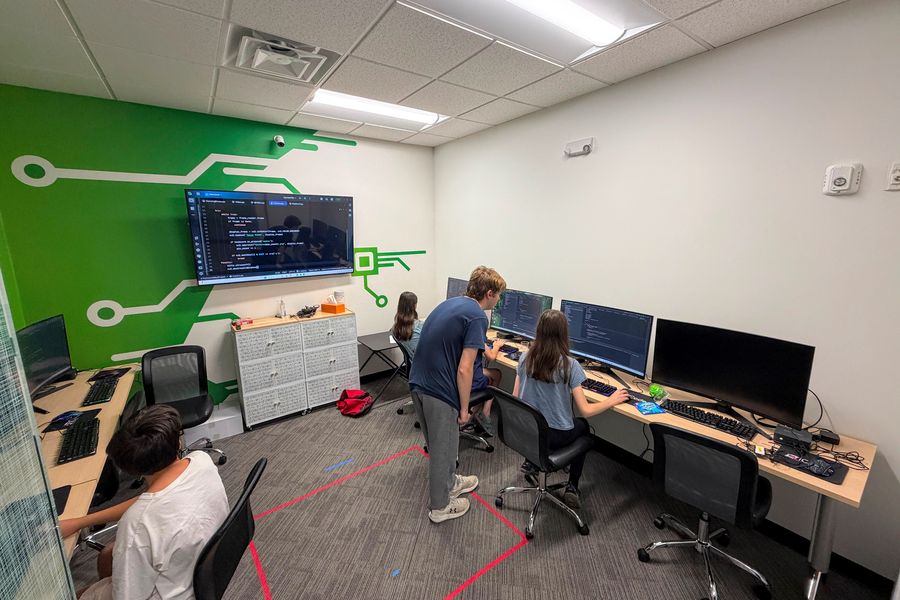
Instructor-led
Real classes, not screen time
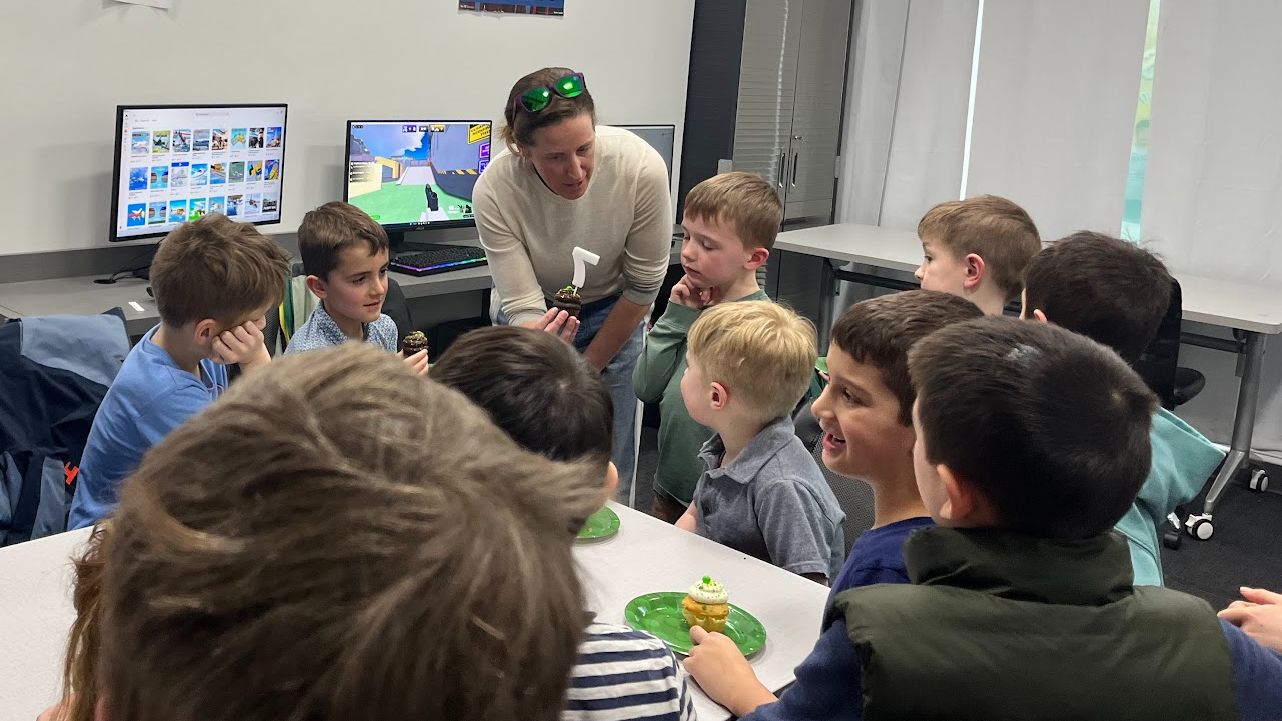
Every session has a teacher, a topic and a plan. Your child learns it, tries it, then builds with it, with a live instructor guiding the whole class.
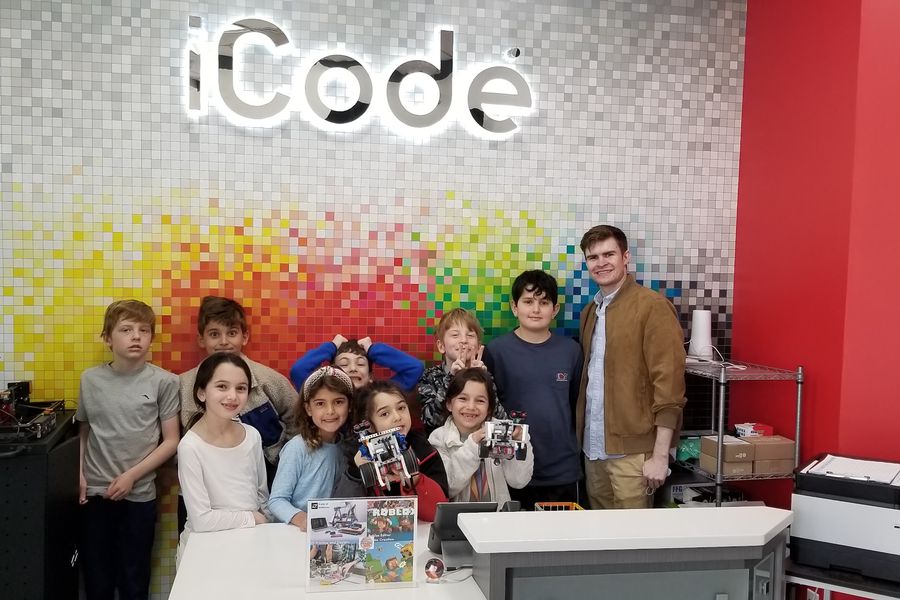
Friends
Kids who build things together
Small groups work in pairs and teams, show each other what they made and help fix what broke. Kids come for the robots and stay for the people.
The place
A campus built for learning, with rooms and tools to match.
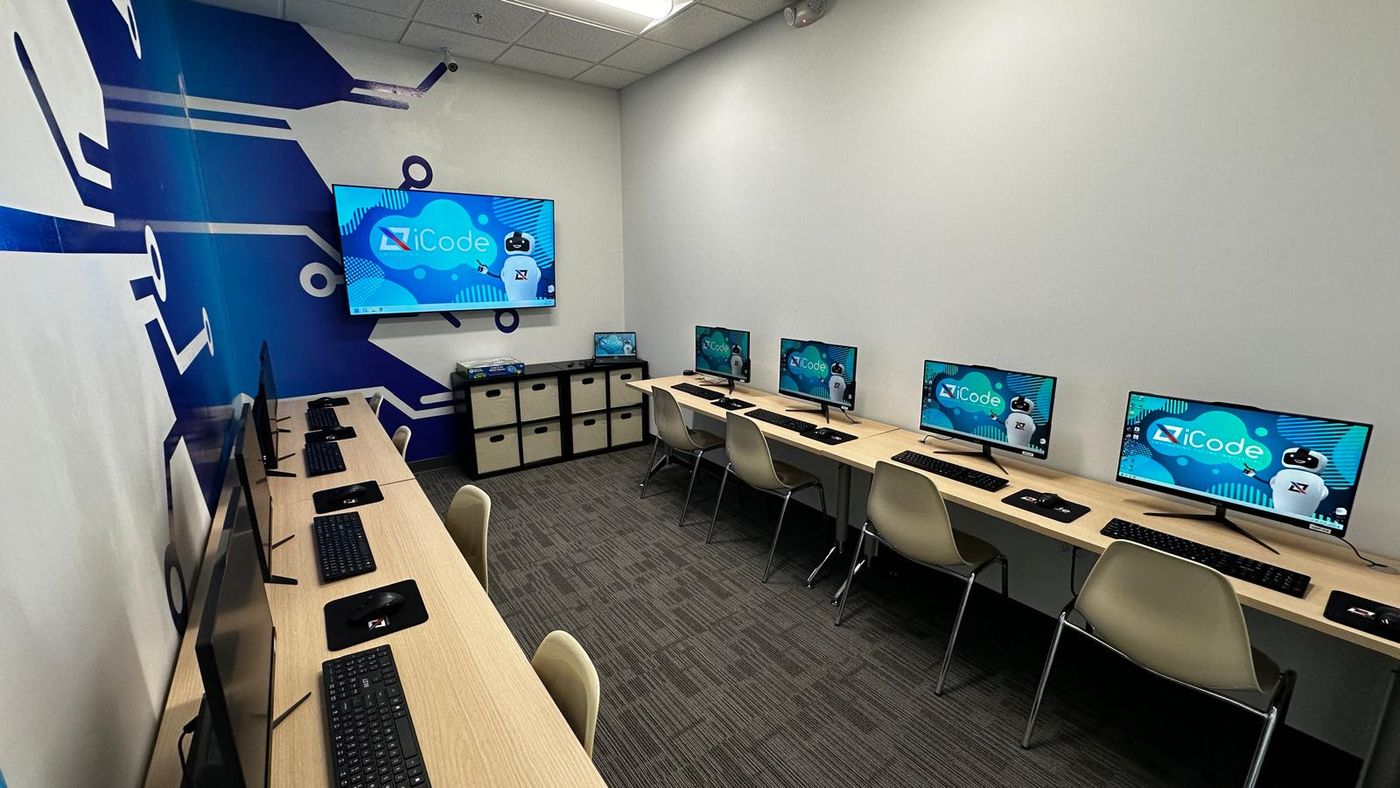
Classrooms
Real classrooms, one class per room
Each class has its own room, so your child can hear the instructor, think, and focus on the work.
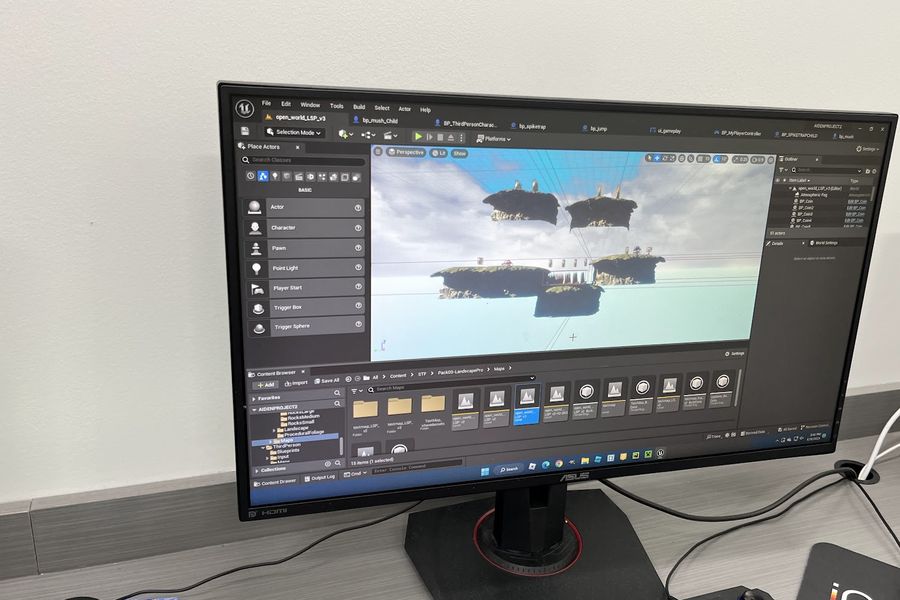
Equipment
Gaming desktops, not laptops
Students work on powerful tower gaming desktops with large monitors. That is what 3D game engines and AI tools need to run smoothly. Less waiting, more building.
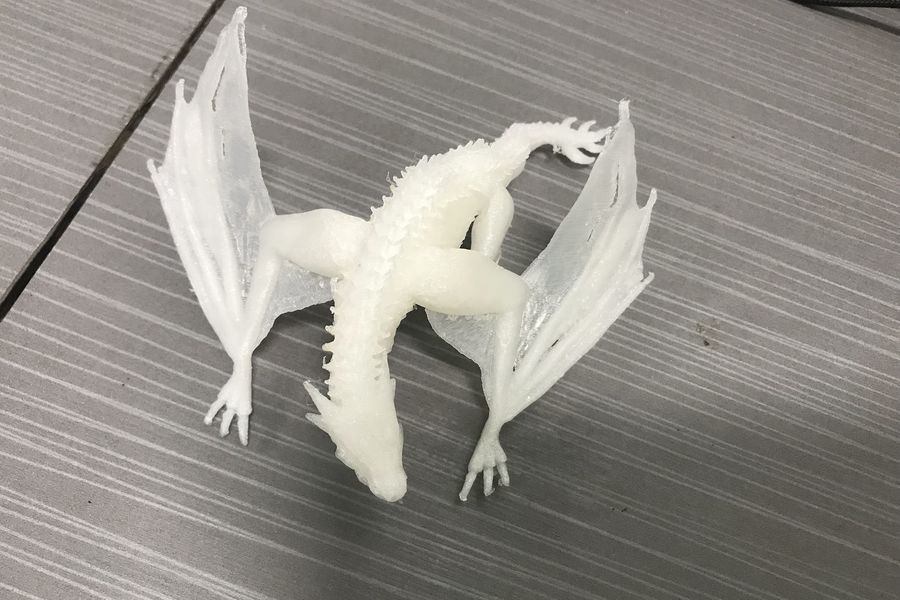
3D printing
Fast 3D printers
Design it in class, hold it in your hand. Our fast printers turn a student’s 3D model into a real object while the idea is still fresh.
The technology
More ways in, and more ways up, than any one kit or app can give.
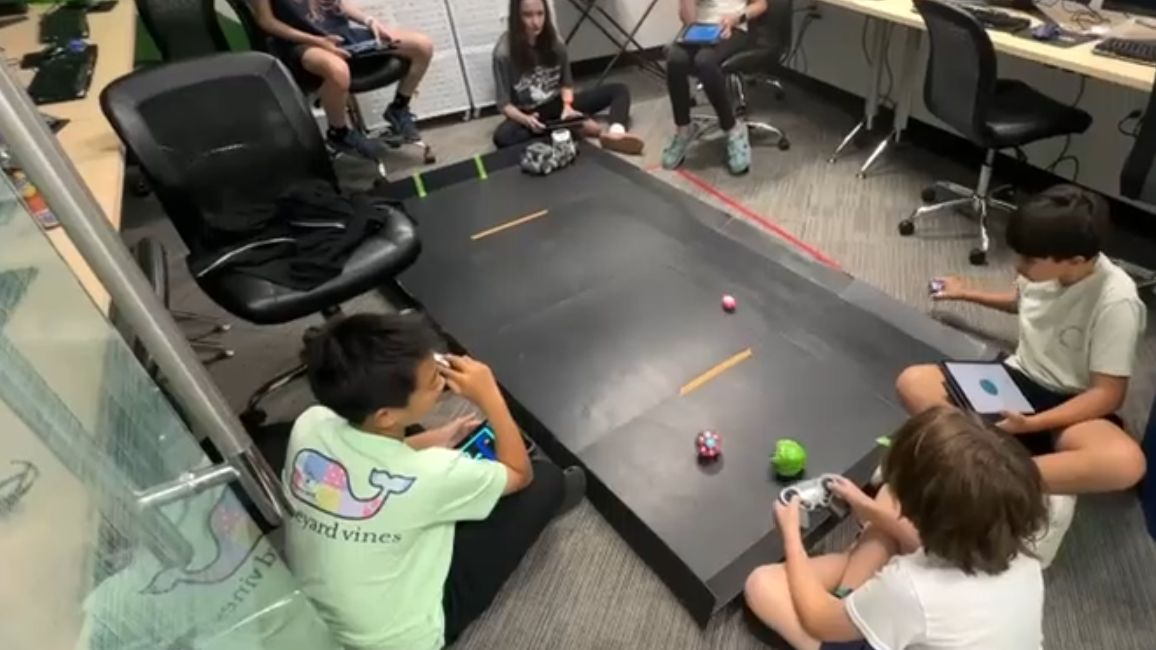
Technology
One campus, a whole tech lab
Coding, robotics, AI, game design, drones, 3D design, electronics and web design, all under one roof. Your child can try many things and find the one they love.
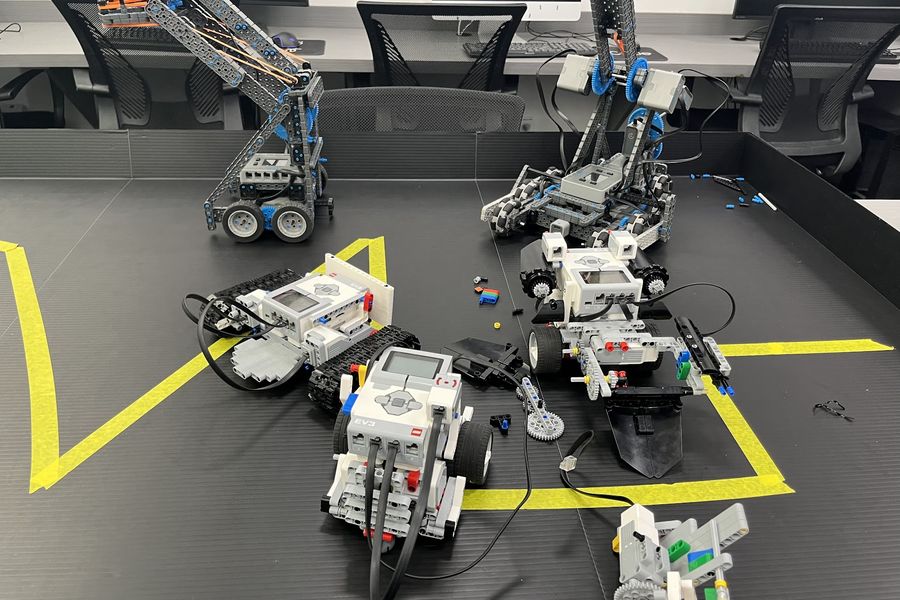
Robotics
8+ robotics platforms
A first robot at five, a competition robot at fifteen. With more than eight platforms, there is always a next step.
- VEX 123
- VEX GO
- VEX IQ
- VEX V5
- LEGO WeDo
- LEGO SPIKE Prime
- LEGO EV3
- Sphero
- DJI Tello drones
- Arduino
- Hexapods
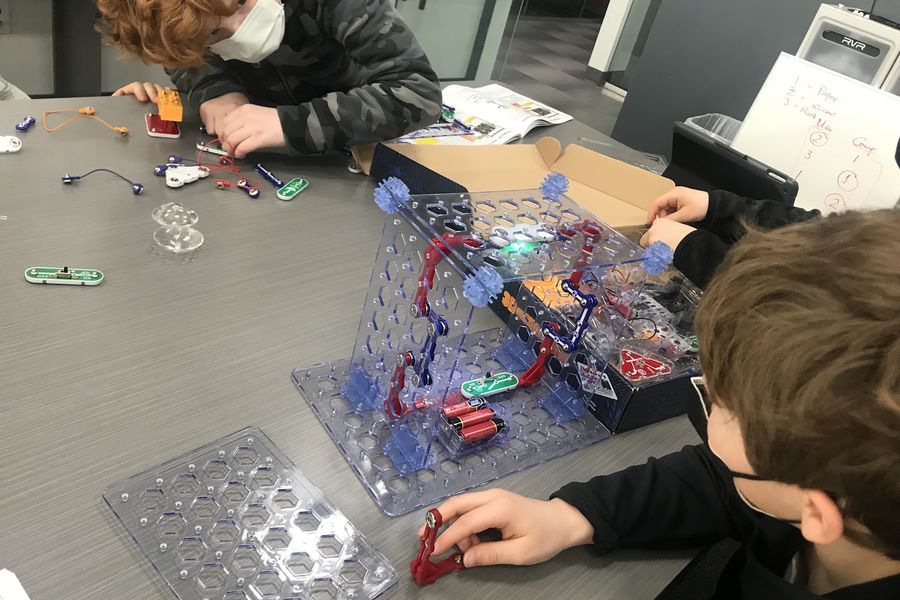
Electronics
Electronics you can touch
Circuits, sensors, motors and microcontrollers. Students learn how the hardware works, not only the code that runs on it.
- Circuits
- Sensors
- Motors
- LEDs
- Microcontrollers
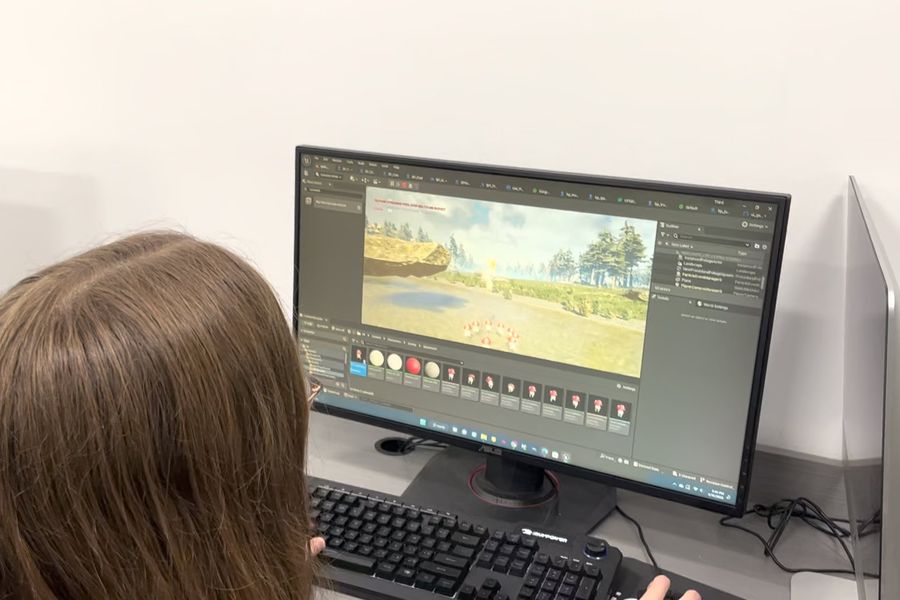
Professional software
The tools professionals use
Students work in professional software: the same code editors and game engines real engineers and studios use. Not a kids-only app they will outgrow.
- Code editors
- Game engines
- 3D design tools
- AI tools
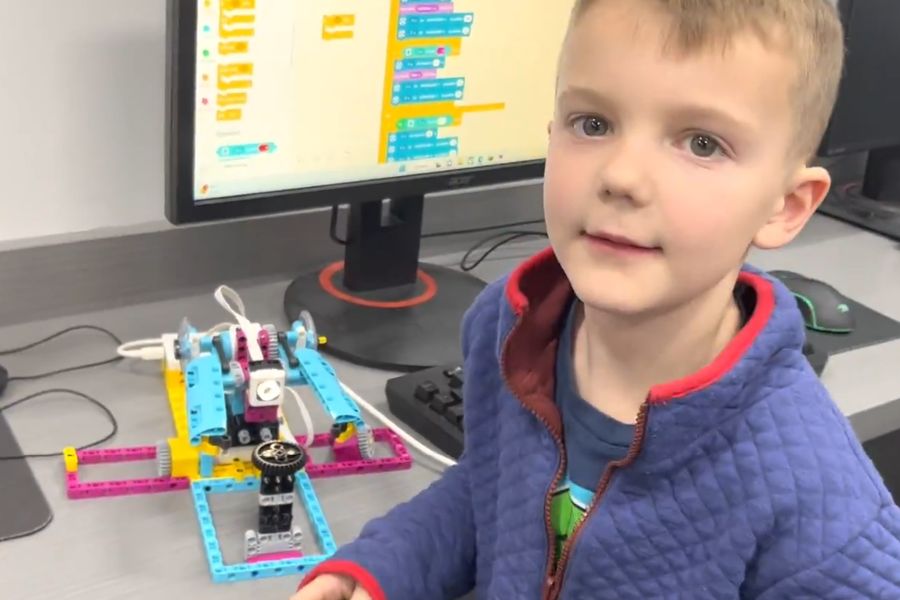
Languages
Every language, a real class
From Scratch blocks to Python, C#, C++ and Java, each language is taught as a proper class by an instructor.
- Scratch
- Python
- Java
- C#
- C++
- JavaScript
- HTML & CSS
- and more
The proof
What your child makes, and what other parents say.
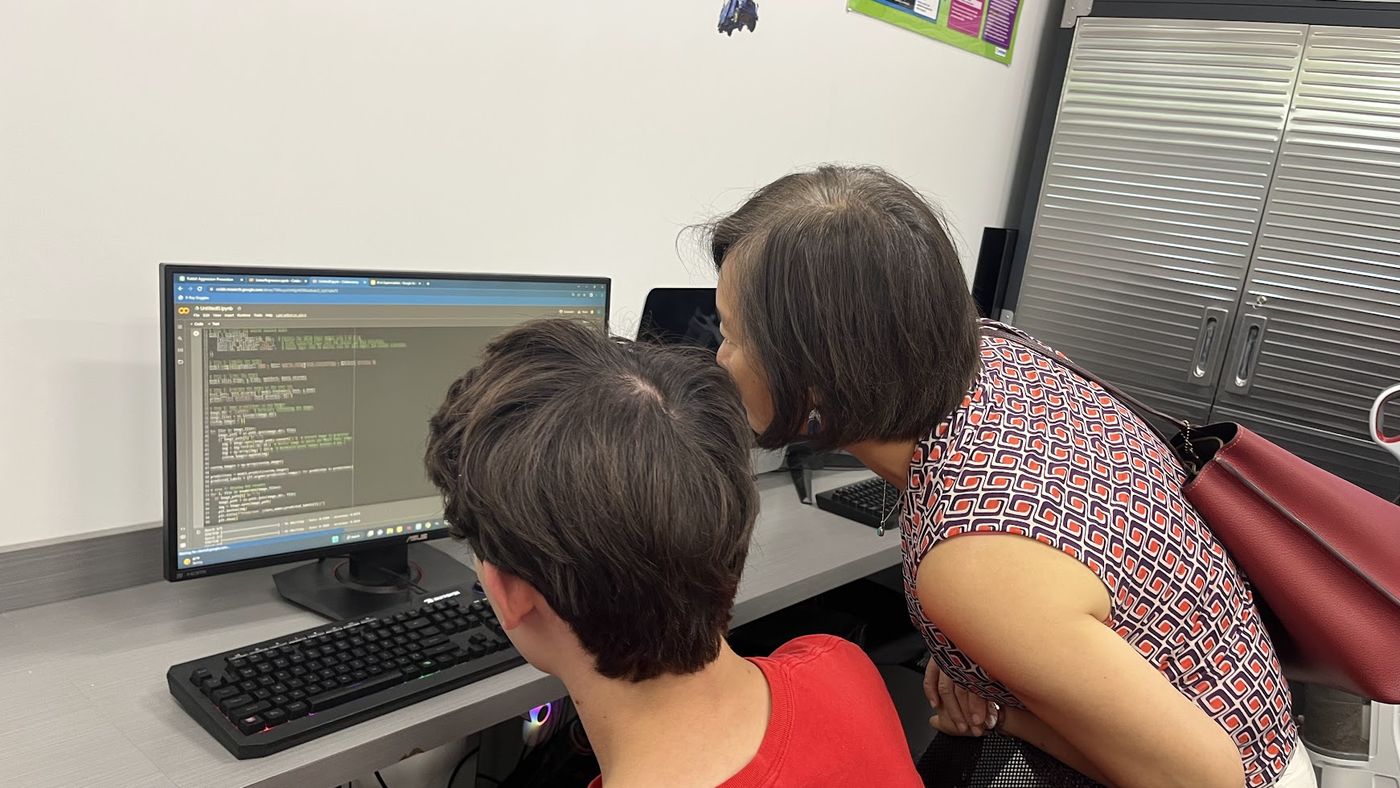
Portfolio
A portfolio, not a pile of badges
Games, apps, robots and AI projects your child built and can explain. A record of real work, and a strong story for school and college applications later.
Awards
Chosen by parents, year after year
Boston Parents Paper readers have voted iCode a Family Favorite seven years running, 2020 to 2026. We are a Macaroni KID Family Favorite, and our program is STEM.org Accredited.
Questions parents ask
My child already learns coding at school. Why add this?
A school class has a room full of children and a syllabus to finish. We have a small group and an afternoon. So your child builds the thing, breaks it, fixes it, and explains what they did.
What ages do you teach?
Ages 5 to 18. Young children start with blocks and simple robots. Teens work in Python, C++ and competition robotics.
Does my child need any experience?
No. A free evaluation tells us where your child should start, and they start there.
Can I see the classrooms and equipment?
Yes, please do. Come in for a free evaluation and we will show you around. Seeing the rooms is the fastest way to see the difference.
Which program should we choose?
For steady growth all year, look at the Belt Program. For one topic over a ten-week semester, look at Paths. Not sure? The free evaluation will tell you.
See it for yourself
Book a free evaluation. Forty-five minutes, no obligation. Your child tries a real class, and you see the rooms, the desktops and the robots.
iCode of Brookline · 698 Washington Street, Brookline · 857-547-8001