


YouTube Creator Club for Kids
YouTube Creator Club in Brookline
The channel is the excuse. The skills are real.
- Boston Parents Family Favorite seven years running
- Macaroni Kids Favorite 2025
- FIRST LEGO League & VEX Judges Award
- State finalists, FLL & VEX
- STEM.org accredited
- CSTA & NGSS aligned
Clubs 2026–27 · iCode of BrooklineStarts Thu 24 Sep
YouTube Creator — enroll now
- Dates
- September 2026 to June 2027
- Day & time
- Thursdays, 3:30–4:30 pm
- Format
- One hour a week
- Ages
- 7–14
- Location
- 698 Washington Street, Brookline
$199 a month · second club $180 a month
Ten payments, September to June
Enroll in this club
Book a free evaluation
Don’t see a time that works? Tell us when you can come and we will let you know when a slot opens.
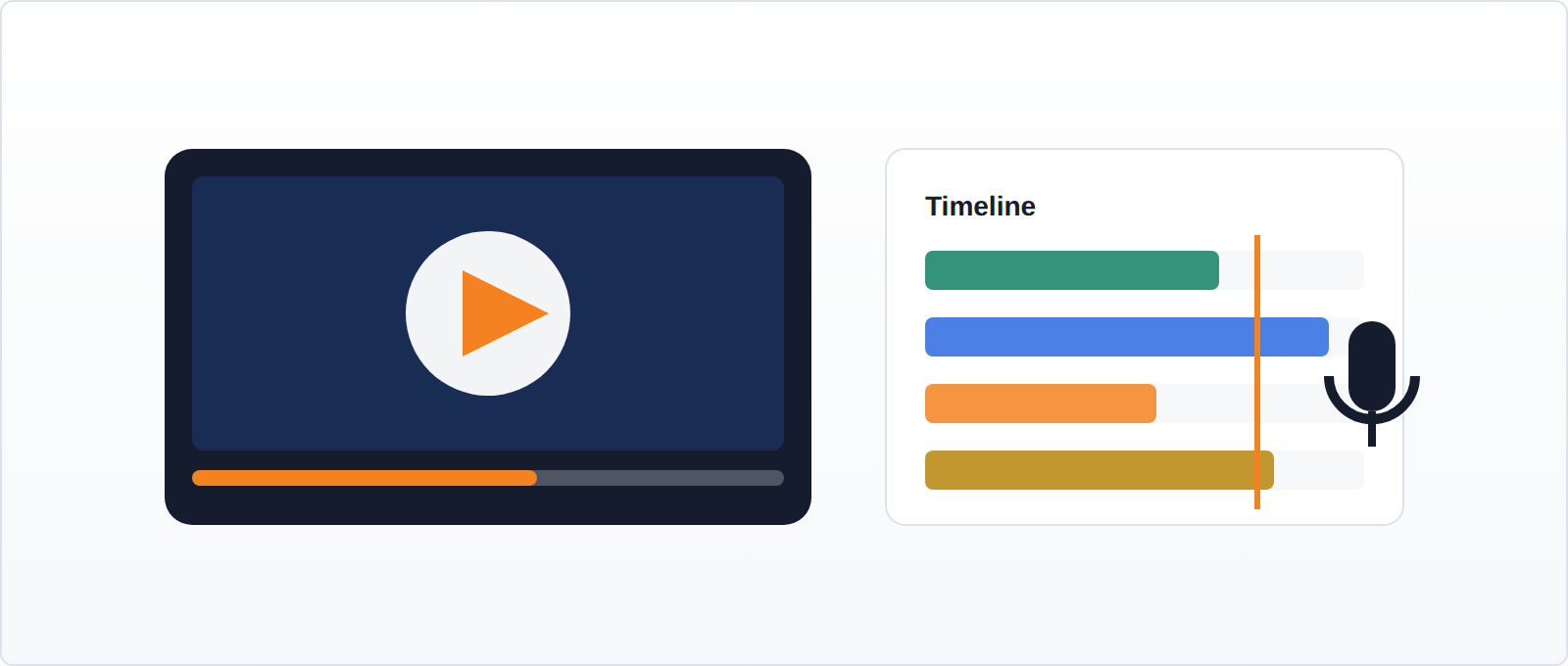
Almost every student who joins this club already watches a great deal of YouTube. Rather few have any idea how much work sits behind the four minutes they enjoyed. This club is where that becomes obvious, usually in week two, when they try to cut their own footage down to something a stranger would sit through.
The channel is the excuse. What students are actually practising is planning, sequencing, pacing and revision — the same discipline that makes a good essay, delivered in a medium they already care about.
Tracks
Students enter at the level that matches their experience and move up as they are ready.
- Introduction — scripting, framing a shot, recording clean audio
- Intermediate — editing, pacing, cuts, titles and thumbnails
- Advanced — series planning, audience feedback, channel identity
What students actually learn
- Scripting and structure — a video needs a beginning, a middle and a reason to stay
- Filming and audio, the half beginners ignore and viewers notice first
- Editing: cutting your own work down, which is harder than making it
- Thumbnails and titles — design decisions with an immediate, measurable result
- Digital citizenship and what does and does not belong on a public channel
A brief, as students receive it
Make a video that teaches someone how to do something in under ninety seconds. Nobody may be bored at any point. If a section does not help them do the thing, cut it.
We give the requirements, not the steps. Working out how is the lesson — and the reason students can explain what they built when they get home.
The question parents actually ask
“I do not want my child having a YouTube channel.”
Then they will not have one. Publishing is optional and always a parent’s decision — students can complete every part of this club with videos that never leave the building, and many do. Where families do want a channel, we cover privacy settings, comments and what not to put online before anything is uploaded.
Where it leads
YouTube pairs unusually well with Shark Tank — students who can edit and present have a real advantage when they have ninety seconds to convince a panel.
Questions
Does my child need a camera or editing software?
No. Cameras, microphones and editing workstations are provided, and students edit in WeVideo. Students who want to keep working at home can, but nothing in the term depends on it.
Will their face be online?
Only if you choose it. Plenty of students make screen-recorded or voice-over videos and never appear on camera at all.
When do clubs run?
Clubs run September 2026 to June 2027, one hour a week. This club runs Thursdays, 3:30–4:30 pm, at 698 Washington Street, Brookline. It starts Thursday 24 September and runs to 30 June 2027.
What does it cost?
$199 a month, one hour a week, one topic. You pay for ten months, September to June — July and August are not billed, because clubs do not run then. Taking a second club at the same time? $180 a month for each extra one. Brothers and sisters get 5% off, and that comes off both prices. Materials are included. Stop any time with 30 days’ notice — no term to see out, no penalty, no phone call you have to win. Nothing renews on its own in September; every family chooses again each year.
How is a club different from the Belt Program?
A club is one hour a week, in a larger group, focused on one topic. The Belt Program is two hours a week across a ten-month year, in a group of about six, with a written progress report every month and a capstone project. AI Studio is one hour a week, self-paced, with the work tuned to your child by their instructor. Plenty of students do more than one.
What if we need to miss a week?
Tell us in advance and we will place your child in another group that week where the schedule allows. We run on school holidays too — a day off school is not a day off club. We are closed 24 December to 7 January.
Can we stop?
Yes. Stop any time with 30 days’ notice — no term to see out, no penalty, no phone call you have to win. Email brookline@icodeschool.com, or the Managing Director, Soundarya Ganesh, at soundarya.ganesh@icodeschool.com.
Where you’ll be
iCode of Brookline · 698 Washington Street, Brookline, MA 02446
857-547-8001
On Washington Street in Brookline Village, walkable from the Brookline Hills and Brookline Village T stops on the D branch. Metered parking on Washington Street and the Kent Street lot nearby.
Ready to start?
Book a free evaluation and we will tell you honestly which track your child belongs in — or enroll straight away.
Enroll in this club
Book a free evaluation
All clubs ·
Scratch ·
Minecraft ·
Roblox ·
Robotics ·
YouTube Creator ·
Digital Arts & 3D Printing ·
Python Programming ·
Shark Tank ·
Web Design & Development